



How it works
Export the model from the analysis software, open it in the viewer, and explore it in 3D. There is nothing to install: every viewer reads files the software already writes
Export the model from ETABS®, SAP2000® or Bridge Express
Open the file in the matching viewer, in the browser
Explore the model in 3D: rotate, section, and click any element for its properties
On Standard, analysis results are added from the Excel tables export
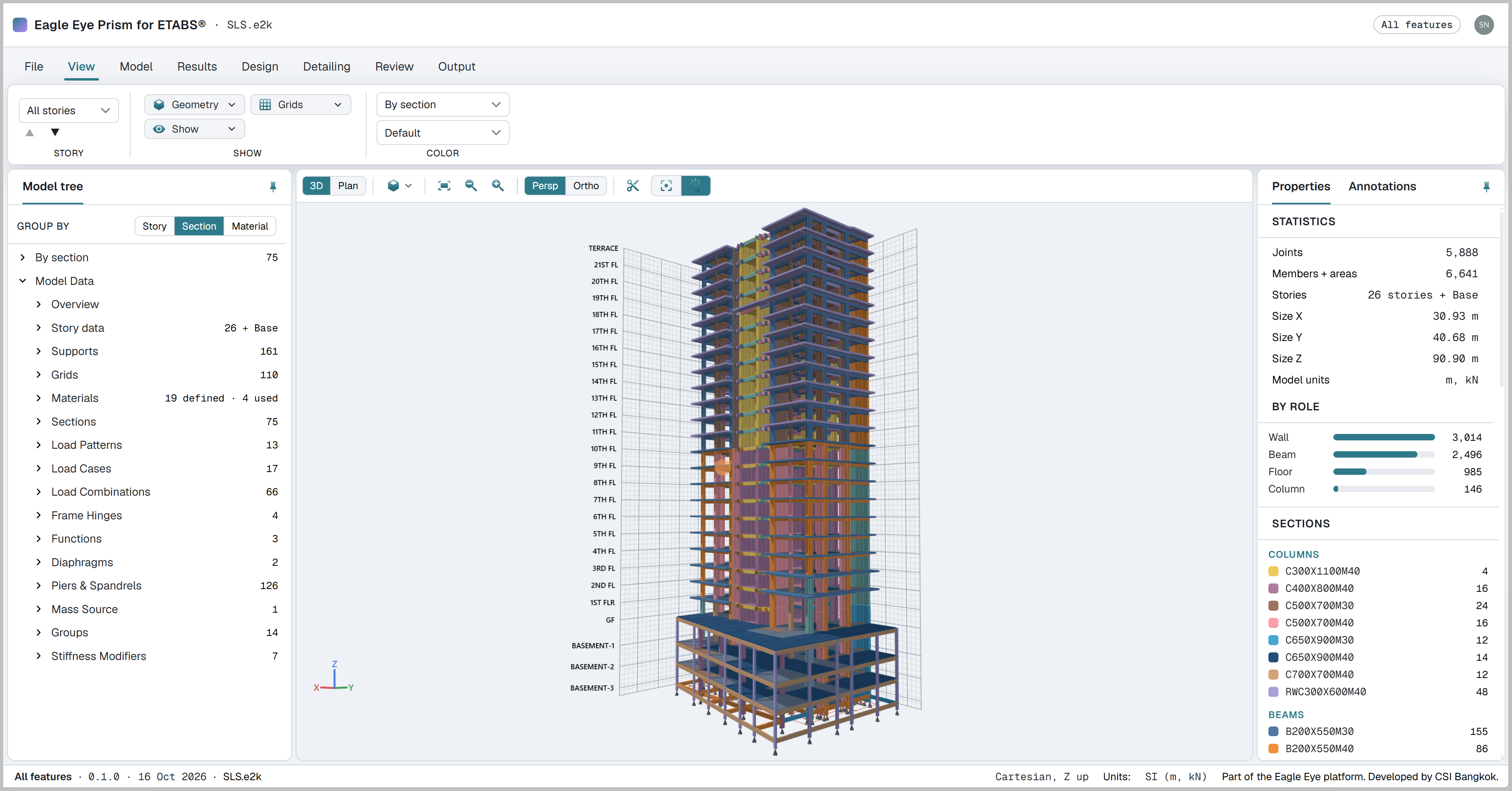
One viewer for each program
Each viewer opens the files its software already produces
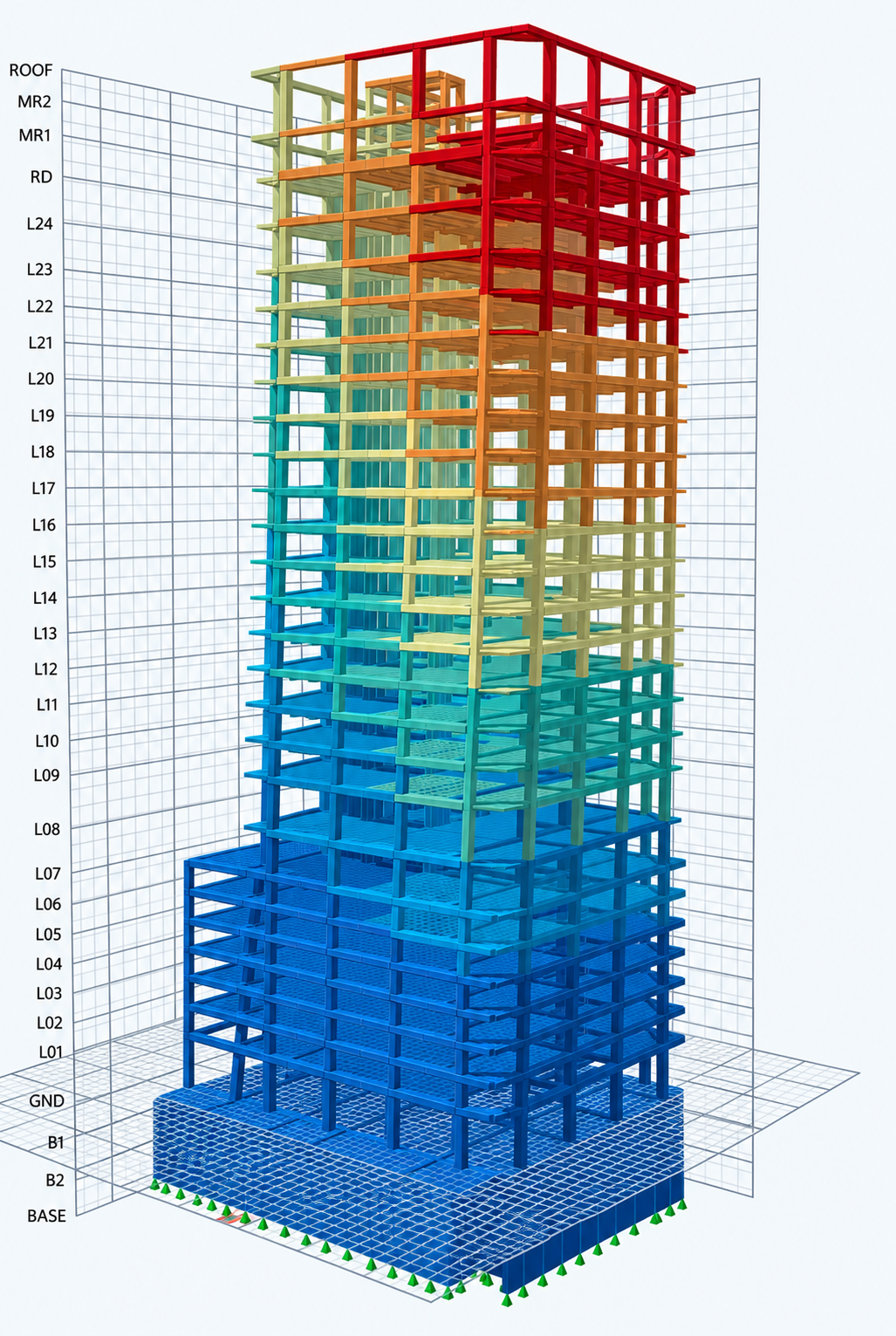
ETABS Viewer
Opens .e2k text files exported from ETABS®. Results are added by opening the Excel tables export (.xlsx)
- Full 3D building geometry: all stories and elements
- Assignments and section properties for any element, on click
- Forces, moments and stresses from the Excel tables exportSTANDARD
- Deformed shape and shell contoursSTANDARD
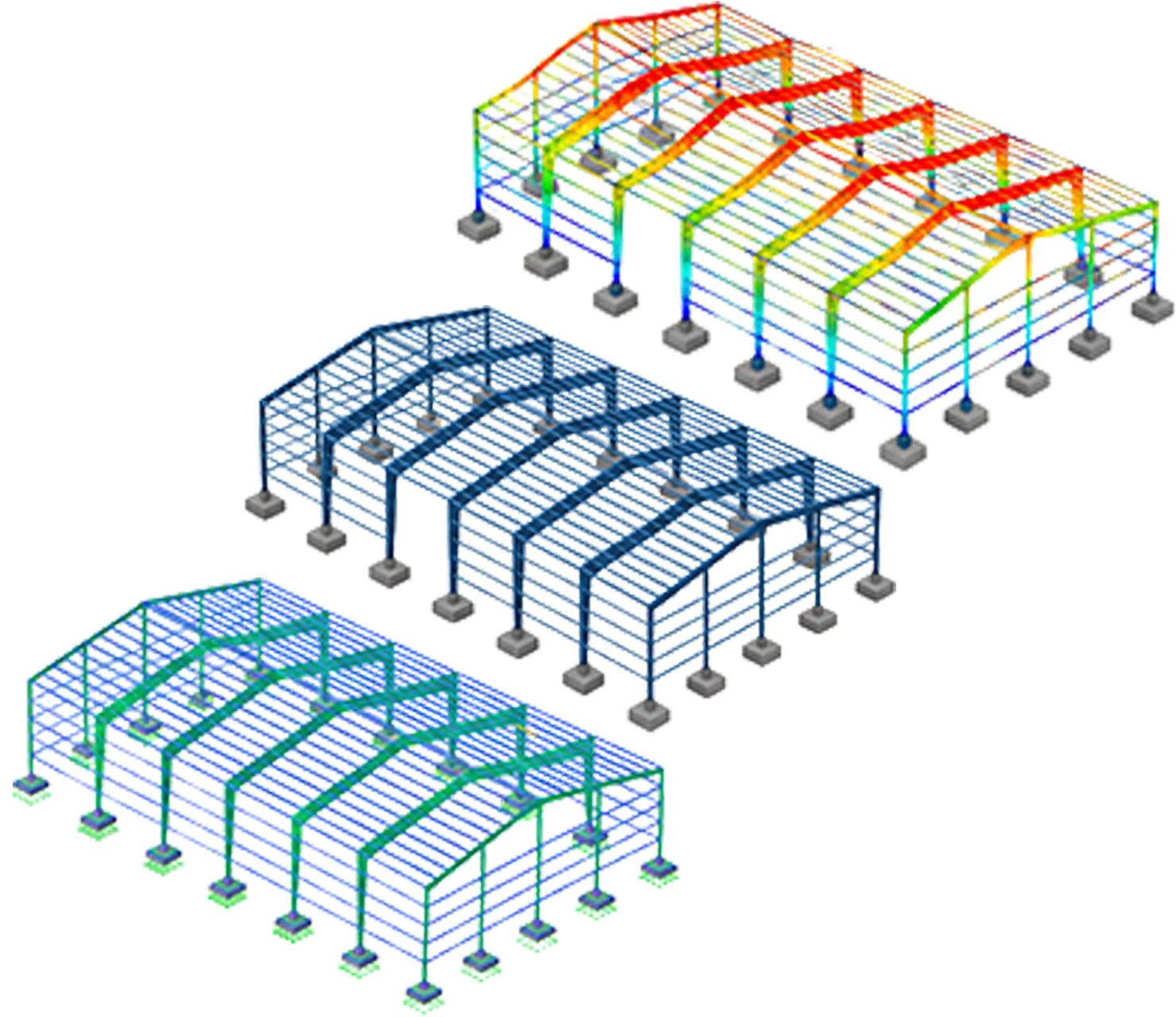
SAP2000 Viewer
Opens .s2k text files exported from SAP2000®. Results are added by opening the Excel tables export (.xlsx)
- Full 3D geometry: frames, shells and joints
- Member and shell properties on click
- Load patterns and load cases in the model tree
- Displacements, reactions, frame forces and modal periodsSTANDARD
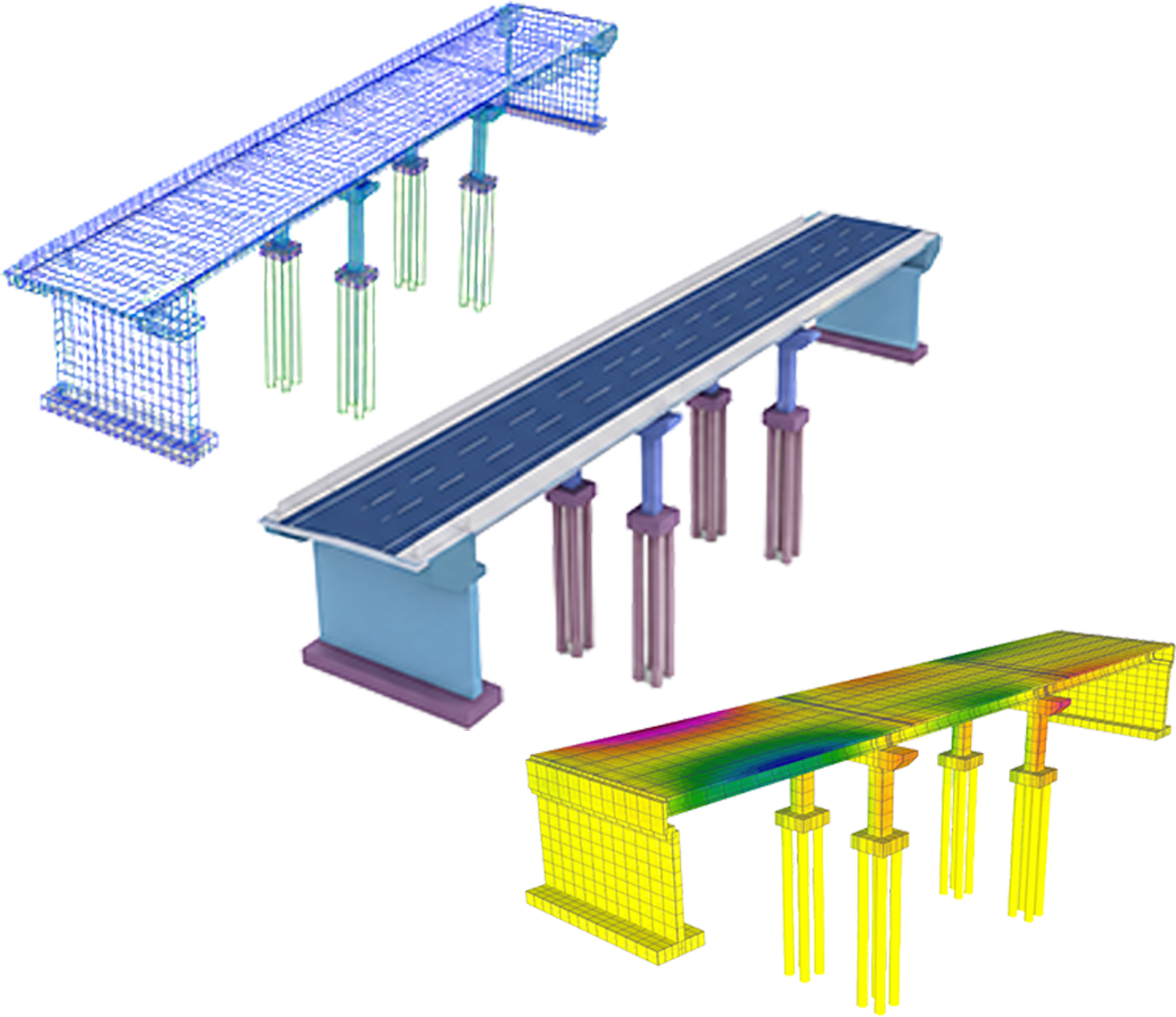
Bridge Express Viewer
Opens the .bdbx project that Bridge Express saves; no exporter is needed. Viewing only: analysis, design and rating stay in Bridge Express on the desktop
- Full bridge geometry: deck, spans, bents and abutments
- Component properties: span lengths and section data
- Plan, elevation and 3D views
- Share to phone, VR or AR when signed in
Getting a model into Prism
Each program produces its file differently. After that the path is the same: open the viewer and choose the file
ETABS®: export the model as a .e2k text file. For results, also use Export Tables to Excel
SAP2000®: export the model as a .s2k text file. For results, also use Export Tables to Excel
Bridge Express: the saved .bdbx project opens directly. Older .bdb files need to be saved again in the current version first
Open the viewer in the browser and choose the file. The model renders in 3D
Compare every feature
Each plan includes everything in the plan before it
| Feature | Basic | Standard | Pro |
|---|---|---|---|
| Basic | |||
| Open .e2k and .$et files | ✓ | ✓ | ✓ |
| 3D and plan views, fit, section cut | ✓ | ✓ | ✓ |
| Model tree (stories, grids, sections, materials, loads, combinations, groups, modifiers) | ✓ | ✓ | ✓ |
| Color by role, story, section, material or stiffness modifier | ✓ | ✓ | ✓ |
| Member properties on click | ✓ | ✓ | ✓ |
| Standard adds | |||
| Model tree search, and isolating one story or group | – | ✓ | ✓ |
| Import analysis results (deformed shape, contours, diagrams, tables, modal data) | – | ✓ | ✓ |
| Import design results (pass/fail, ratios) | – | ✓ | ✓ |
| Summary report (PDF) | – | ✓ | ✓ |
| Bill of quantities (PDF and Excel) | – | ✓ | ✓ |
| Pro adds | |||
| Live connection to a running ETABS | – | – | ✓ |
| Compare two models | – | – | ✓ |
| Save to cloud and share a read-only link | – | – | ✓ |
| Drawings (floor plans, elevations) with DXF export | – | – | ✓ |
| IFC export | – | – | ✓ |
| Send members to GEAR, one at a time or in batches | – | – | ✓ |
Basic works without signing in. Standard and Pro use your Eagle Eye account, the same sign-in as the main site
Plans
Free forever. 3D geometry viewing and element properties, in every viewer. Works without sign-in
Search and isolate, analysis and design results, deformed shapes and contours, and the report with quantities (BOQ)
Everything in Standard, with cloud saving, sharing by link, model compare and annotation, and IFC and DXF export
Monthly prices in US dollars. No additional taxes are charged. Yearly subscriptions save 30%. Every new account starts with 30 days of Pro. When the trial ends the account returns to Basic automatically. Nothing is deleted, no card is charged, and saved projects stay in the account. Prism Standard and Pro are also included in the full bundle
Part of the Eagle Eye platform. Developed by CSI Bangkok
Opening a first model
Viewing geometry is free in every viewer. Export the file, open the viewer, and the model renders in 3D