

For Educators
Teaching with Eagle Eye
Bringing the tools of engineering practice into the classroom
Students build a deeper understanding through visualization and simulation, working with the same apps they will later use in practice
What the platform provides
Each participating faculty member is supported by a dedicated assistant from the team, who walks through the material and the apps before the semester, sets up the course group, helps the students sign up, and remains available through the term.
How a course starts
- The faculty member chooses the course and the topics where support is required. The course outlines here show what is available for each course.
- The course is registered on the Eagle Eye platform, and a dedicated assistant is assigned. The material and the apps are walked through together in a live online session.
- A private group for the course is created on the Eagle Eye Community, joined by the class, the faculty member, and a teaching assistant from the team.
- The faculty member provides the list of students joining the course. The students sign up, preferably with their university-assigned email; a single sign-up takes two to three minutes, and each student on the list receives an access coupon.
- The course proceeds as usual, with the apps available on the classroom projector and on students’ own devices at home, and the assistant available throughout the term.
Already in the classroom

Asian Institute of Technology
The Eagle Eye apps, the Learning Hub and the course groups are already in use this semester in a master's level Advanced Concrete Design course at the Asian Institute of Technology (AIT), and the program is currently supporting an undergraduate structural design course at Chulalongkorn University. The course packages offered in this program draw on those classroom experiences, and the same team that supports those courses will support each new one.
Who is behind this
The academic program is led by Dr. Naveed Anwar, working with a team of academics, researchers, and former and current students. Dr. Anwar has spent 44 years across university teaching and structural engineering practice. He is a faculty member at the Asian Institute of Technology (AIT), Bangkok, and CEO of CSI Bangkok, and has long been associated with Computers and Structures, Inc. (CSI). The program grew out of the courses that he and the team teach and support.
Access and registration
Course registration
Each course offered by a faculty member at a particular university is registered on the Eagle Eye platform. Registration is handled by the Eagle Eye team with the faculty member.
Faculty access
Faculty members receive Pro-level access to the platform free of charge, for one year at a time, renewable each year.
Student access
Students on the class list receive access coupons for the GEAR apps and Column Designer at the Pro level, free of charge, for six months, so the full functionality is available for learning.
After six months
Student access reverts to the Basic level unless the student enrolls in another registered course. The apps remain usable at the Basic level, and the Learning Hub and the Community remain open to them.
Sign-up
Students sign up on the platform, preferably using their university-assigned email. The class list provided by the faculty member is the reference for joining the course.
University listing
With the university’s permission, given at registration, the university is listed on the Eagle Eye website as using Eagle Eye for education.
Courses supported today
Each course has a detailed outline with its learning objectives, topics, and the apps it uses. Further courses will follow the same pattern.
Course names differ between universities. A course keeps its own title, and at registration it is mapped to the package and topics that fit it; using part of a package is normal.
Also taught as Mechanics of Materials, Mechanics of Solids I and II, Solid Mechanics
Stress distributions, Mohr’s Circle, section properties, nonlinear material behavior, biaxial and unsymmetrical bending.
Also taught as Theory of Structures I and II, Structural Analysis I and II, Structural Mechanics
Trusses, beams and frames; classical methods compared with the direct stiffness method.
Also taught as Concrete Design, RC Design I and II, Design of Concrete Structures
Beams, columns, two-way slabs and footings to the ACI method; moment-curvature and performance evaluation.
Also taught as Design of Steel Structures, Steel Structures, Structural Steel Design
Tension and compression members, beams and columns to the AISC method; roof truss systems.
Several other courses can be supported at the app level, including first-year engineering mechanics and some graduate courses. An enquiry is welcome at [email protected].
Course contents
The material available today for each course package. Resources still being prepared are marked “Coming soon”.

The complete set of slides used to teach this course.
Explore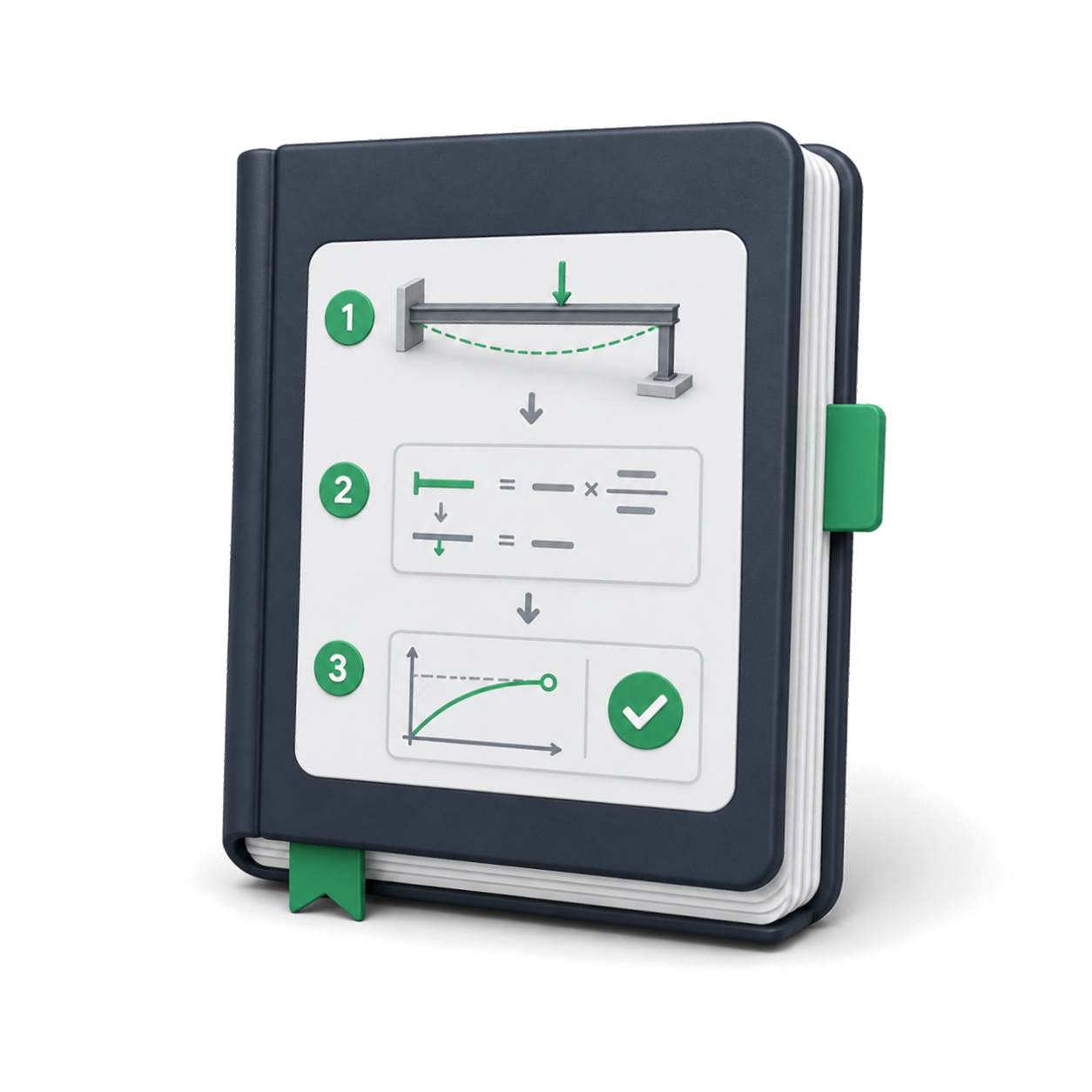
Step-by-step worked examples from input to final results.
Explore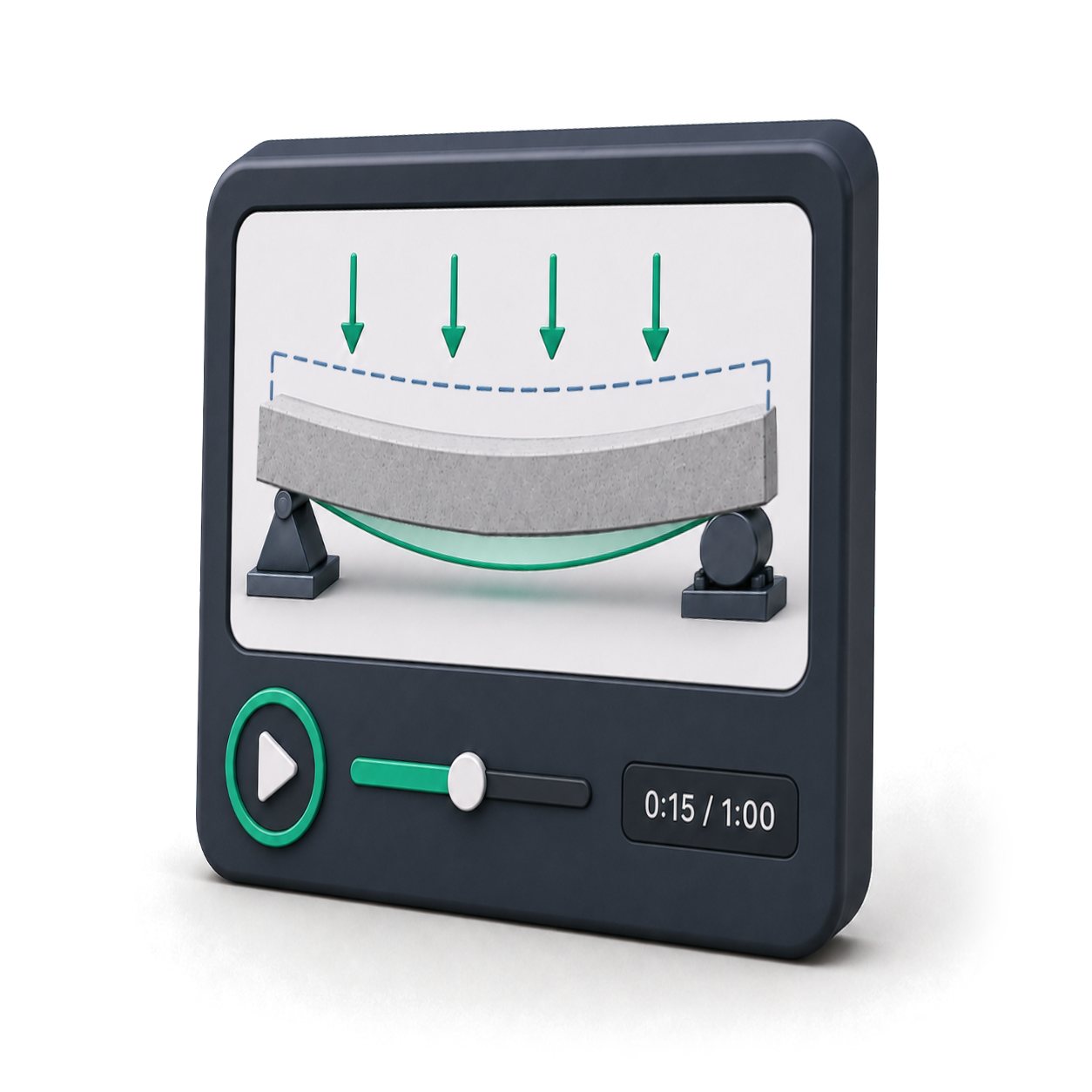
Concepts explained through clear, visual animations.
Explore
Video walkthroughs and tutorials for every lesson.
Coming soon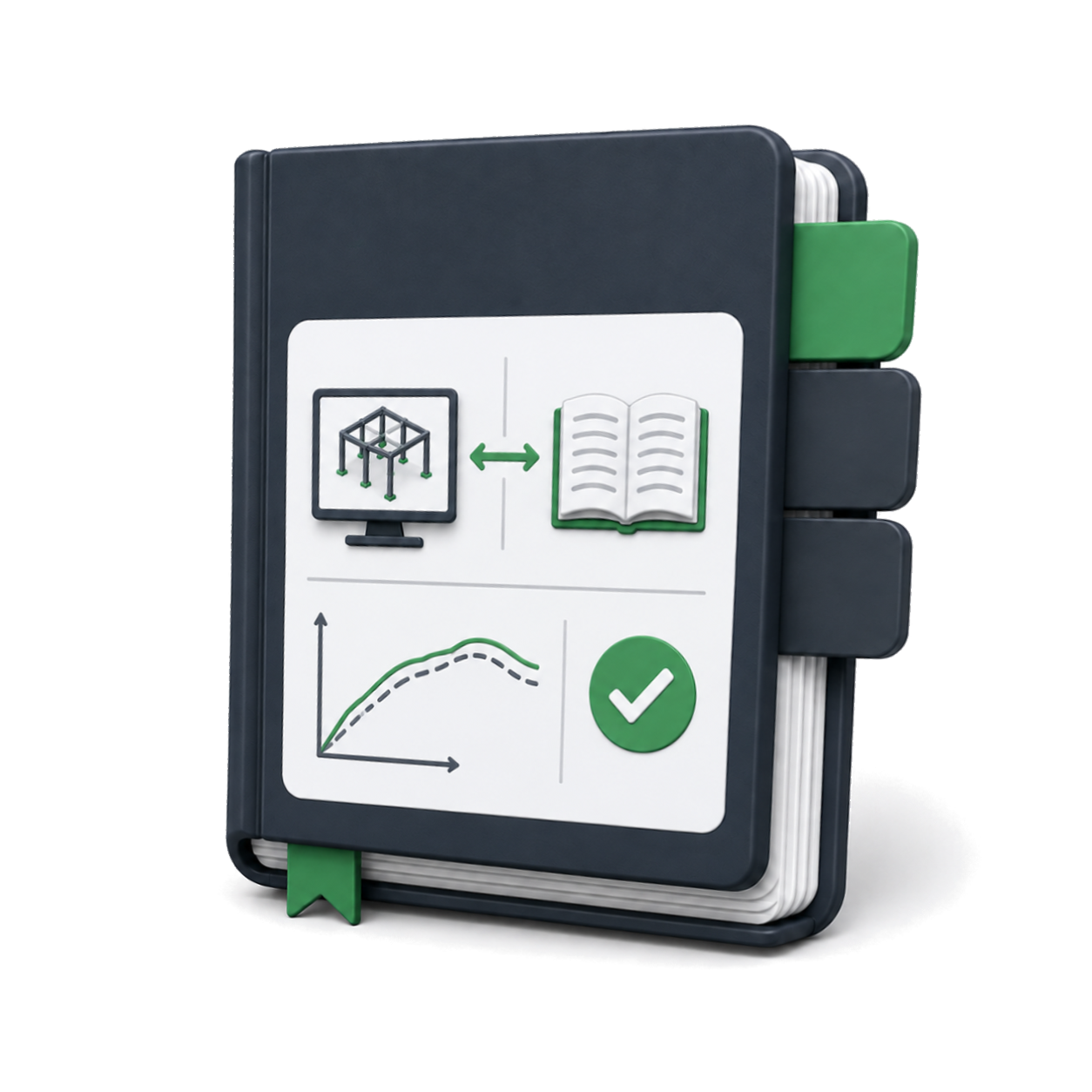
Validation examples confirming accuracy against benchmarks.
Coming soonWhich app serves which course
Structural Analysis is the same course often titled Theory of Structures.
| Eagle Eye app | Strength of Materials | Structural Analysis | RC Design | Steel Design |
|---|---|---|---|---|
Common questions
Request to register a course
Course details submitted here are used to assign a dedicated assistant who helps get the course started.